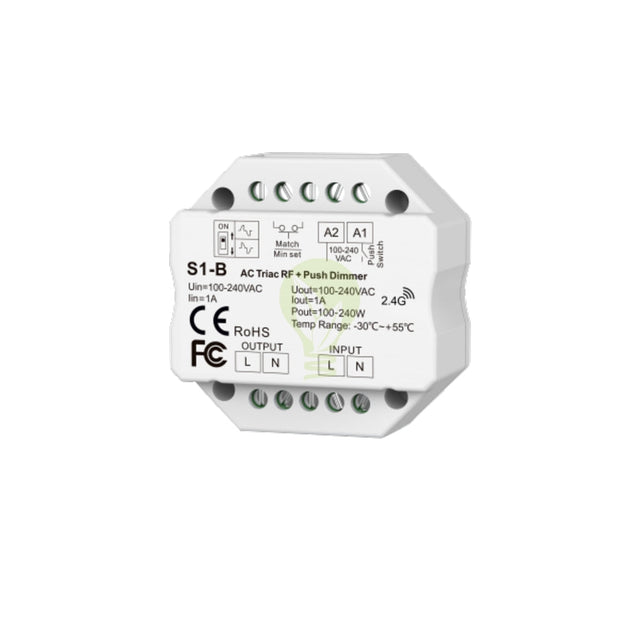
AC Triac RF built-in wireless dimmer | 100-240V | Push to dim
-
...
-
Free shipping from 75,-
-
Ordered before 16:00 = delivered tomorrow
-
Shipped from our own warehouse
AC Triac RF built-in wireless dimmer | 100-240V | Push to dim
- Directly to:
- Description
- Specifications
- Reviews
- Related products
Specifications
-
Product group
-
Selection aid
-
Manuals
-
Length (cm)
-
Width (cm)
-
Height (cm)
-
Voltage
-
IP ratingIP20 - No protection
-
ControlRemote control
-
Dimming technologyPhase cutoff
-
Warranty
-
CertificationsCE
-
ConnectionMains power
-
Power220
 Download
AC Triac RF built-in wireless dimmer | 100-240V | Push to dim
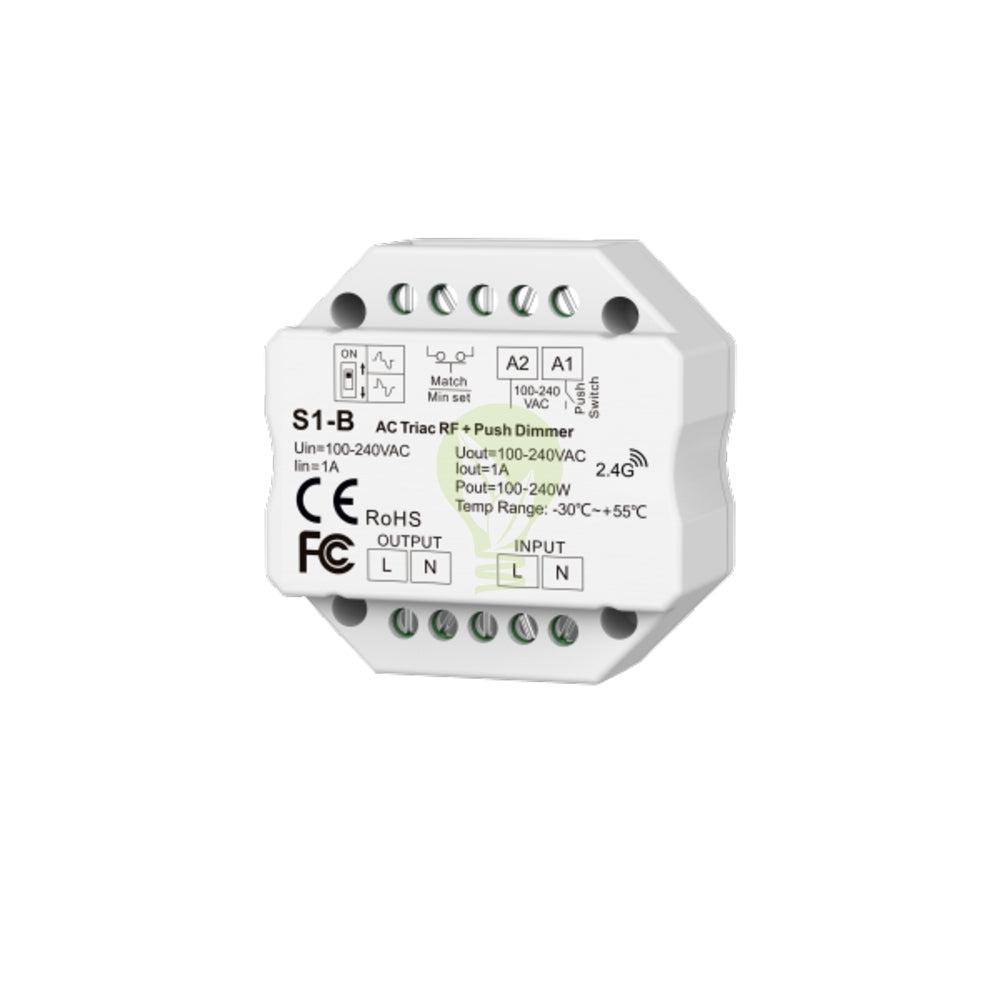
With this built-in TRIAC wireless dimmer, you can, together with a RF wireless remote control Wirelessly dim the 220-240V LED lighting. You can use this wireless LED dimmer connect directly to 100 - 240V, Therefore, you do not need an extra converter. You can also install this RF Triac built-in dimmer in a flush-mounted box behind, for example, a push switch. If you then connect a push switch to it, you can also dim the LED lights by means of PUSH TO DIM.
If you wish to dim different zones separately using a remote control, this is also possible. When you connect multiple of these wireless dimmers for, for example: kitchen, living room, storage room, bedroom, you can dim the rooms individually per zone using the remote control. maximum power what you can connect to this wireless LED dimmer is 244 Watts.
The size of this wireless dimmer is also very small, so you can easily integrate it into a pendant lamp mounting plate to control this pendant lamp, either behind a switch or between the power supply running to your garden lighting, so that you can even the you can dim garden lighting wirelessly. The dimmer must be installed in a moisture-free location, the dimmer is not water resistant.
It works together with the accompanying wireless remote control very nice. This is the new way of dimming LED lighting from the comfort of your armchair.
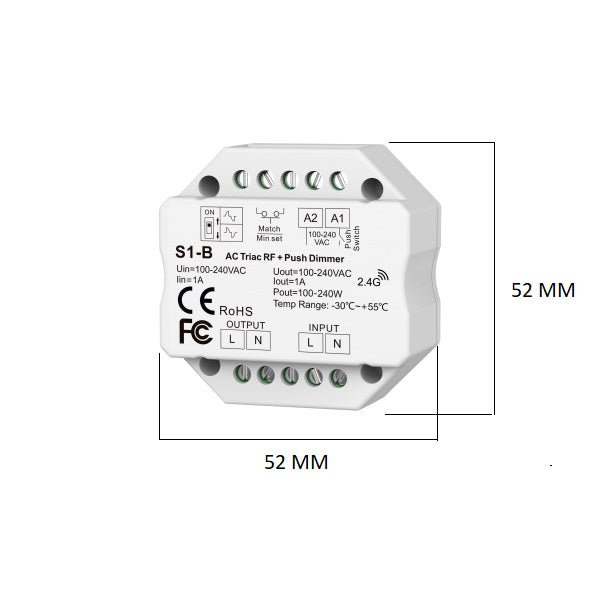
Dimensions:
- Dimmer length: 52 mm
- Dimmer width: 52 mm
- Dimmer thickness: 26 mm
How do you connect a wireless dimmer with a remote control?
You can connect the dimmer directly to mains power (220 Volts). Connect the power wires to the input of the dimmer. Connect the power wires running to your lighting to the output.
You only need A2 and A1 when using a push dimmer. You connect this to A1; you do not need A2 for this. In this setup, the neutral wire is already connected to the input.
How do you pair the remote control with the dimmer?
Step 1. On the back of the dimmer, you will see a black button. To pair the remote control with the dimmer, you must press this button.
Step 2. Select a zone on your RF Wireless remote control to which you want to link the dimmer.
Step 3. Once you have selected a zone, first press the 'ON' button briefly and then the 'OFF' button briefly.
The dimmer is then paired with your remote control.